Campaign
Restore terminals, unlock sealed paths, find cores, and reach the sanctum where the Guardian waits.
Windows 1.0 Release
Descend into a cyber-gothic dungeon where corrupted machines guard the reactor core. Slash, dash, upgrade, and survive the depth that swallowed the city.
Playable Overview
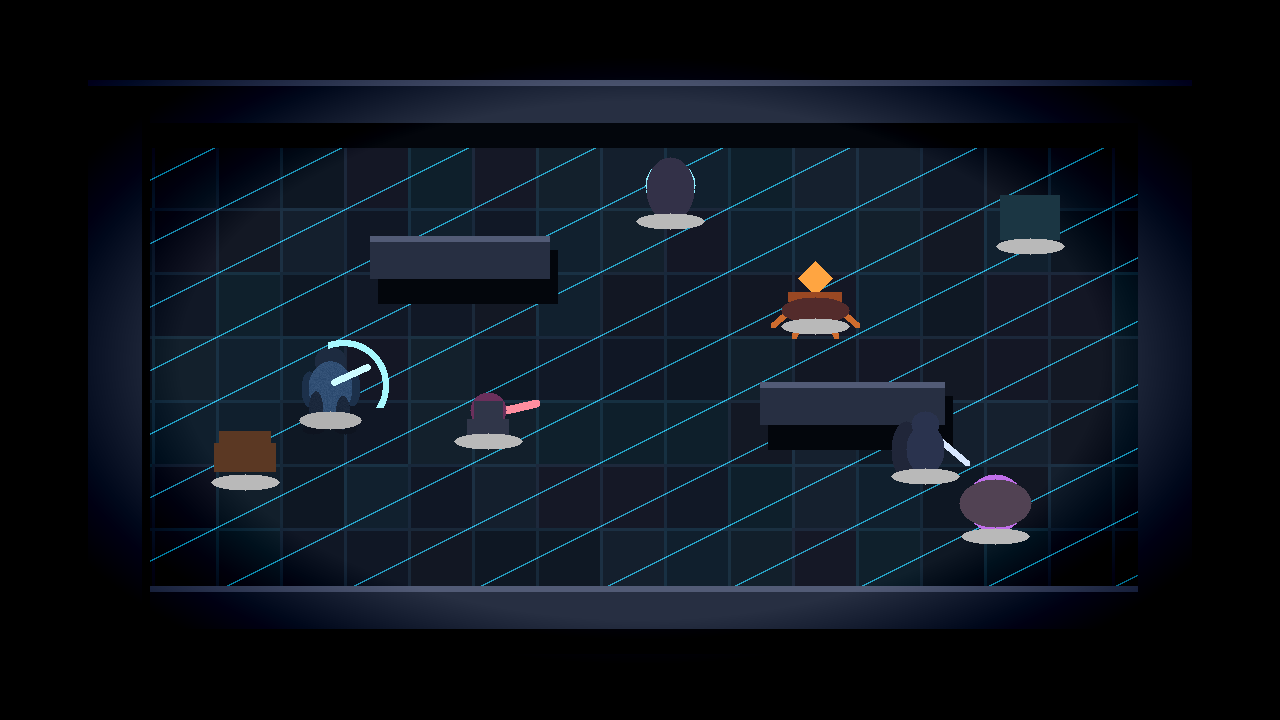
Move the runner with WASD or arrow keys in this small browser preview. It is a lightweight taste of the rooms, terminals, wall depth, and combat spacing in the Windows game.
Modes
Restore terminals, unlock sealed paths, find cores, and reach the sanctum where the Guardian waits.
Procedural rooms, escalating hazards, treasure stops, shrines, and deeper pressure each floor.
Use the relay when it is live or the website fallback route when the relay is not detected.
Combat
Combat is built around readable enemy shapes, danger zones, sharp repositioning, and impact feedback.
Close-range arcs, hit sparks, knockback, and damage numbers make each strike readable.
Burst through danger, leave afterimages, and recover before the next attack pattern lands.
Face radial pulses, summons, laser sweeps, and phase pressure in the final arena.
Threat Archive
Room 01
The first terminal wakes up, the floor hums, and the dungeon teaches movement, doors, and pressure.
Chaser
Corrupted maintenance mass that closes distance directly. Reposition, slash, then keep moving.
Live Account Core
Coins, potions, skins, weapons, upgrades, quests, stats, daily claims, and shop purchases are stored on the web account. The Windows game pulls the account snapshot every second while connected.
The account profile revision changes immediately and writes a journal row.
The game receives the newest coins, potion counts, unlocks, upgrades, and quest state without restarting.
Approved devices load the same server profile instead of separate local economies.
Screenshots


Install
Use the Windows installer when it is available on the download page.
Choose the install location and keep the desktop shortcut option if you want one.
Open Dungeon Circuit, connect your account with a device code, or use Offline Test Mode if needed.
Account Connection
Create an account, launch the game, approve the short device code in your browser, then return to the game. Passwords are never typed into the Windows game.
Requires account sign-in and device approval for online features.
Available when configured or when the API cannot be reached. Progress may not sync.
Multiplayer status is backed by a separate relay heartbeat and an authenticated website fallback.
Latest Signal
Read the changelog for release notes and current service notes.